
VidFlux – Image to Video AI
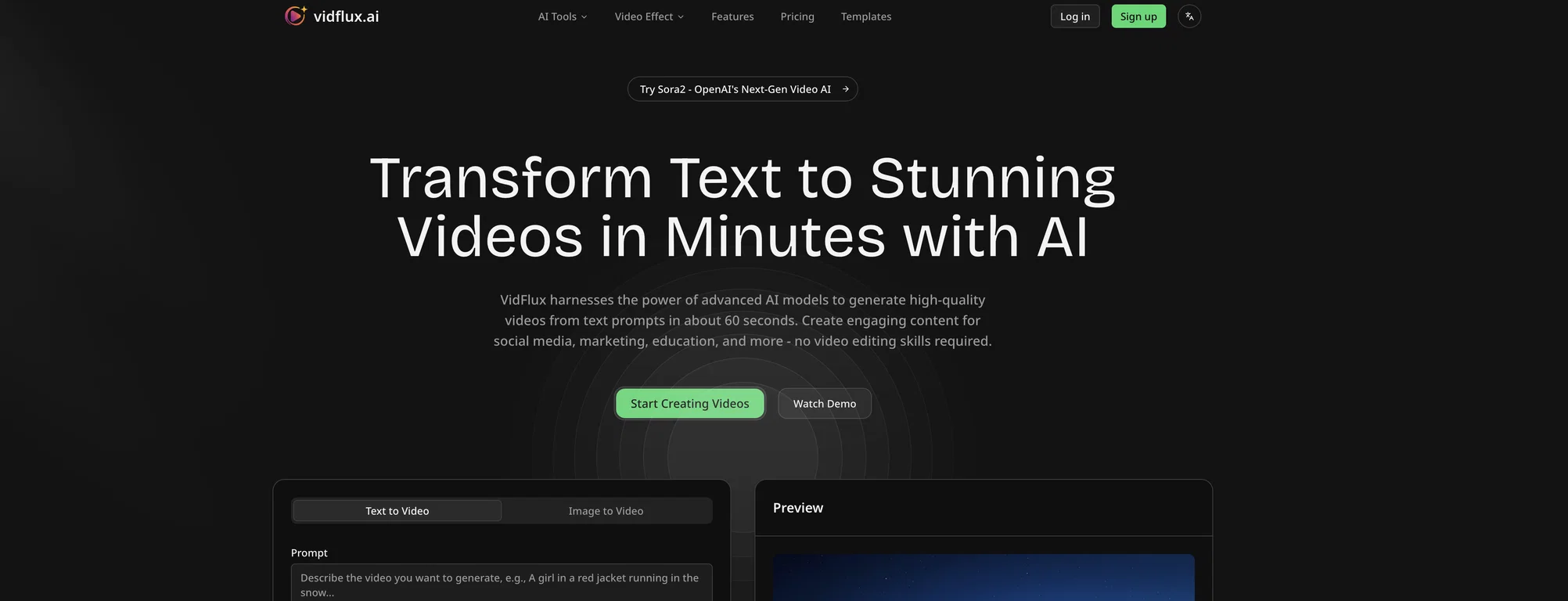
VidFlux.ai is an all-in-one image to video platform that uses artificial intelligence to transform images into videos. Users can upload images of various formats up to a certain size and then generate AI-enhanced videos from these images.
Multiple advanced AI models are leveraged within the platform including Google Veo 3.1, Sora 2, Kling AI, Runway, Seedance, and Wan AI. These AI models are integrated into a single platform, providing users the capability to create professional-grade videos from images without the need to switch between different individual tools.
Each model allows the user to have frame to frame control for precision, as well as aid rapid generation with visual consistency. The platform supports different aspect ratios and provides an estimation of the credits required to create a video.
Users can get a preview of the end result before the full video generation. VidFlux.ai offers a streamlined, efficient solution for all image to video needs.
Pros and Cons
Pros
Supports various image formats
Frame to frame control
Allows rapid video generation
Ensures visual consistency
Supports different aspect ratios
Cons
Limited image size upload
Credits required for video generation
No direct API mentioned
Possibly expensive
No Chrome extension for images
What is VidFlux.ai?
VidFlux.ai is an all-in-one image to video platform that uses artificial intelligence to transform images into videos.
How does VidFlux.ai use artificial intelligence?
VidFlux.ai uses artificial intelligence by applying multiple advanced AI models such as Google Veo 3.1, Sora 2, Kling AI, Runway, Seedance, and Wan AI to enhance the transformation of the uploaded images into videos that offer professional-grade quality.
How do users upload images on VidFlux.ai?
Users can upload images on VidFlux.ai by clicking on the ‘upload image’ button or option provided on their website. The accepted file formats are JPG, PNG, and WEBP.